
为什么要把 CSV 转成 ExcelWhy Convert CSV to Excel
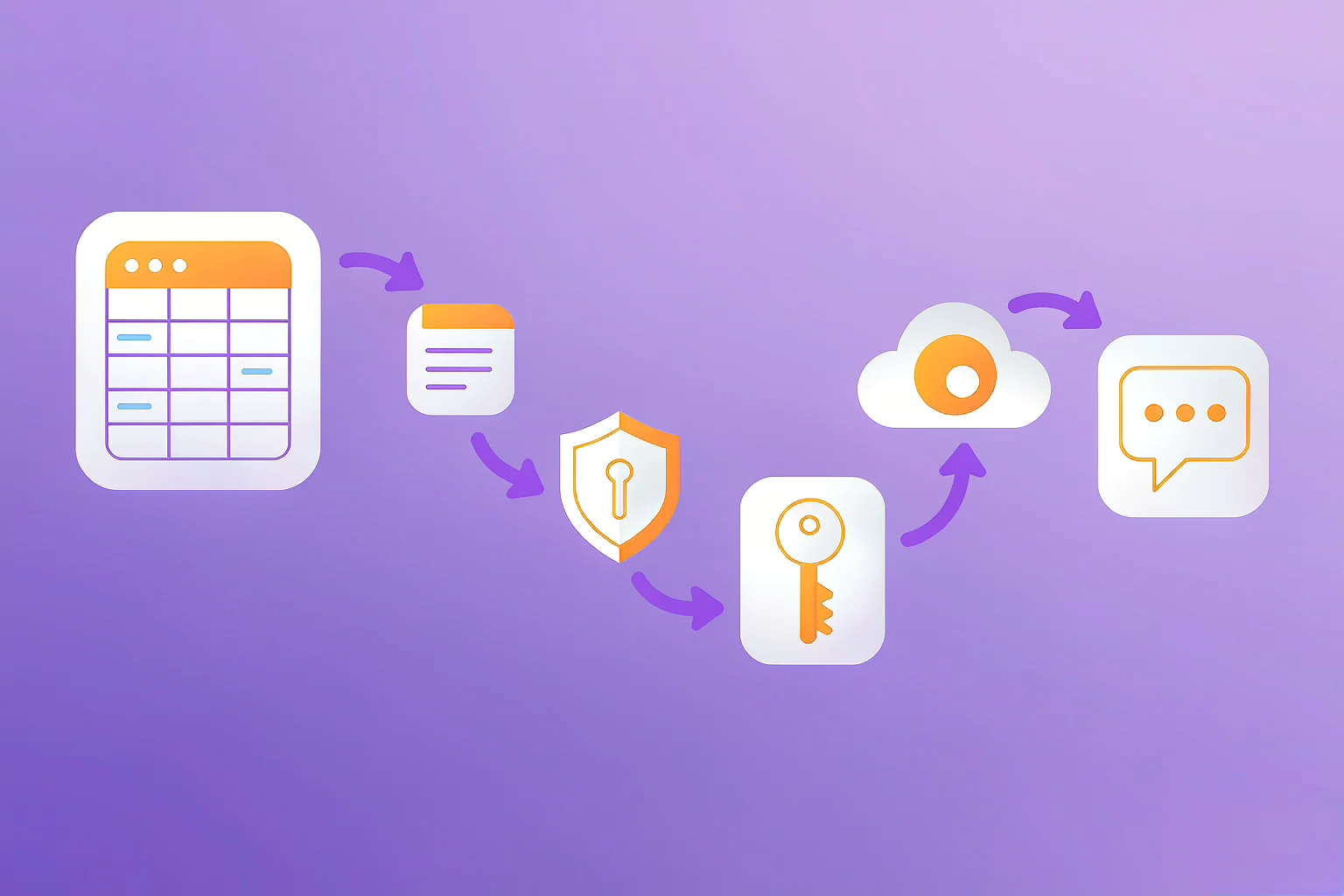
CSV 方便交换,但日常分析、汇报时,带格式、能筛选排序、有公式的 Excel(.xlsx)更顺手。转换后得到的是真正的电子表格文件,可在 Excel / WPS / Numbers 中自由编辑。
CSV is great for exchange, but for day-to-day analysis and reporting, a formatted, sortable, formula-capable Excel (.xlsx) is far more convenient. The result is a real spreadsheet you can edit in Excel / WPS / Numbers.
用 365Lab 在线转换(3 步)Convert Online with 365Lab (3 Steps)
- Open the Parse page and drop in or pick your CSV (auto encoding detection included).
- Go to the Convert module and choose
Excel (.xlsx)as the target. - Click export; the .xlsx downloads straight to your browser — your data never leaves your device.
4 个最常见的"翻车"问题4 Most Common Pitfalls
| 现象Symptom | 原因Cause | 解决办法Fix |
|---|---|---|
| 中文全是乱码Chinese is garbled | 编码不匹配(如 GBK 当 UTF-8)Encoding mismatch (e.g. GBK read as UTF-8) | 先用编码转换转成 UTF-8 再转 ExcelConvert to UTF-8 first with the encoding tool |
| 身份证/手机号变成 1.39E+17IDs turn into 1.39E+17 | 长数字被当科学计数法Long numbers shown as scientific notation | 在转换前把该列设为"文本"类型,或保留为 CSV 文本Set that column to "text" before converting, or keep it as CSV text |
| 日期变成 45000 这样的数字Dates become numbers like 45000 | Excel 把日期存成序列值Excel stores dates as serial values | 在 Excel 中把单元格格式设为"日期"即可还原In Excel, set the cell format to "Date" to restore it |
| 001 开头的编号变 1Codes like 001 become 1 | 前导零被当作数字丢弃Leading zeros dropped as a number | 将该列设为文本,或用转换前先"补零"Mark the column as text, or pad zeros before converting |
关键原则:CSV 里一切都是文本。所谓"数字变科学计数法""日期变数字",其实是 Excel 打开时做的"智能识别"。最稳妥的做法是转换后按需设置单元格格式,或一开始就让相关列保持文本。
Key principle: In CSV everything is text. The "scientific notation" or "date-to-number" behavior happens when Excel auto-detects types on open. The safest path is to set cell formats after conversion, or keep those columns as text from the start.
进阶:不只是 ExcelBeyond Excel
同一个数据,365Lab 还能一键导出为 JSON、XML、SQL、Markdown、HTML,满足开发、数据库导入、文档写作等不同场景。详见 使用指南 的"按模块使用"一节。
From the same dataset, 365Lab also exports to JSON, XML, SQL, Markdown and HTML — handy for development, database import or documentation. See the "Module-by-module" section of the User Guide.