
什么时候需要 PDFWhen You Need PDF
CSV 适合"机器读",但给别人看的报表、对账单、名单,往往需要排版固定、不可随意改动的 PDF。PDF 跨设备显示一致,也方便打印和邮件分发。
CSV is for machines, but reports, statements or rosters people read usually need a fixed-layout, tamper-resistant PDF. PDF looks the same across devices and prints or emails well.
在线导出的步骤Steps to Export Online
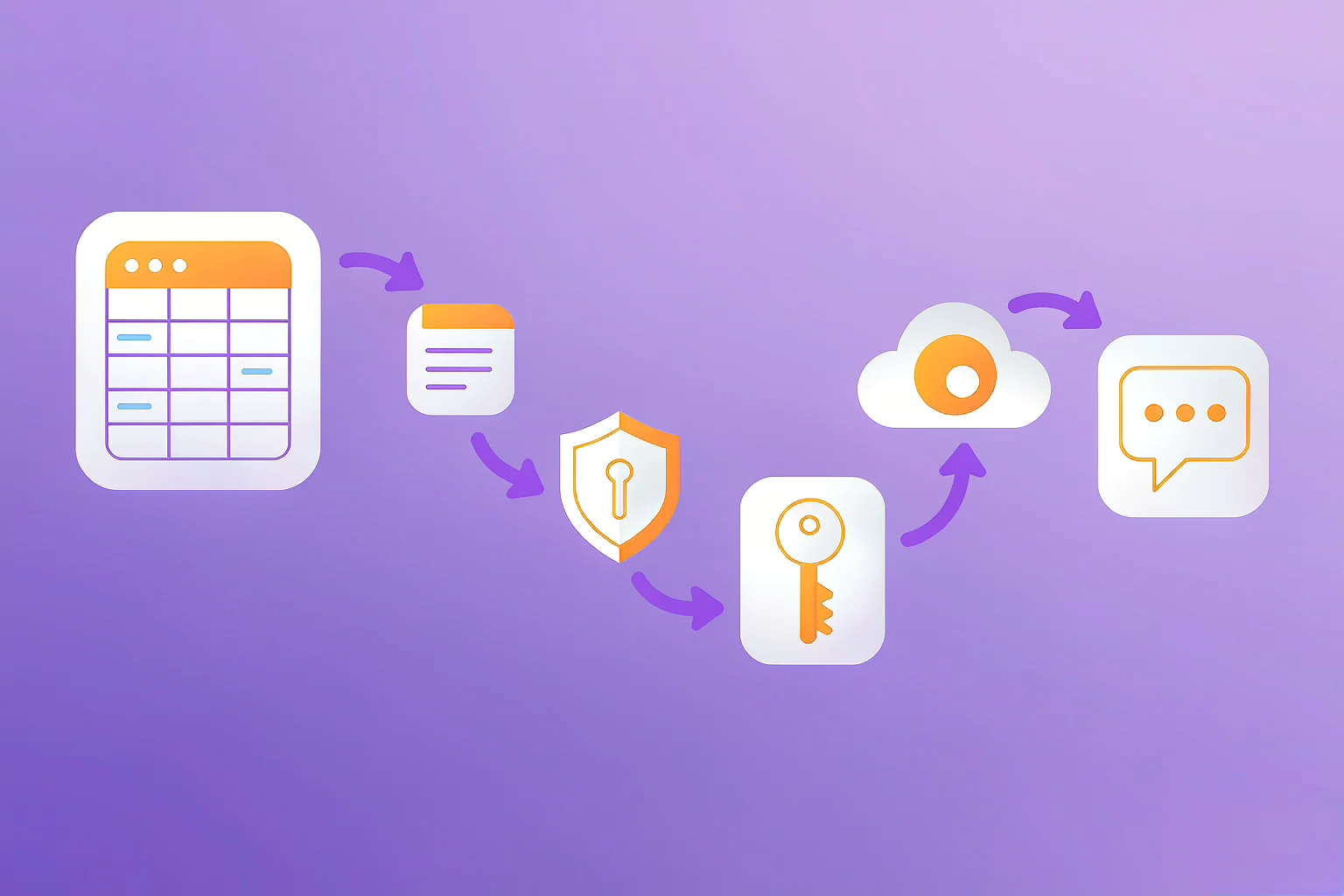
- 打开 365Lab CSV 工具箱,拖入你的 CSV。
- 选择「PDF」并设定页面(A4 横向/纵向)与字号。
- 工具会自动按列宽与分页生成表格。
- 确认中文显示正常后下载 PDF。
- Open the 365Lab CSV Toolkit and drop in your CSV.
- Pick "PDF" and set page size (A4 landscape/portrait) and font size.
- The tool auto-fits columns and paginates the table.
- Confirm Chinese renders correctly, then download the PDF.
三个常见麻烦Three Common Troubles
- Garbled Chinese: PDF must embed a Chinese font and the source must be UTF-8 (see garbled-text fix).
- Columns cut off: Use landscape, smaller font, or first convert to Excel to adjust columns.
- Long text: Let cells wrap instead of breaking the table.
提示:如果数据量很大(几十万行),PDF 会非常长。此时更适合先 分块 或只导出汇总结果。
Tip: For very large data (hundreds of thousands of rows) the PDF gets huge — better to chunk first or export only a summary.
想马上试试?打开在线工具,拖入 CSV 即可导出 PDF,全程本地处理。
Want to try now? Open the toolkit, drop in your CSV to export PDF — everything runs locally.