
什么是 XMLWhat Is XML
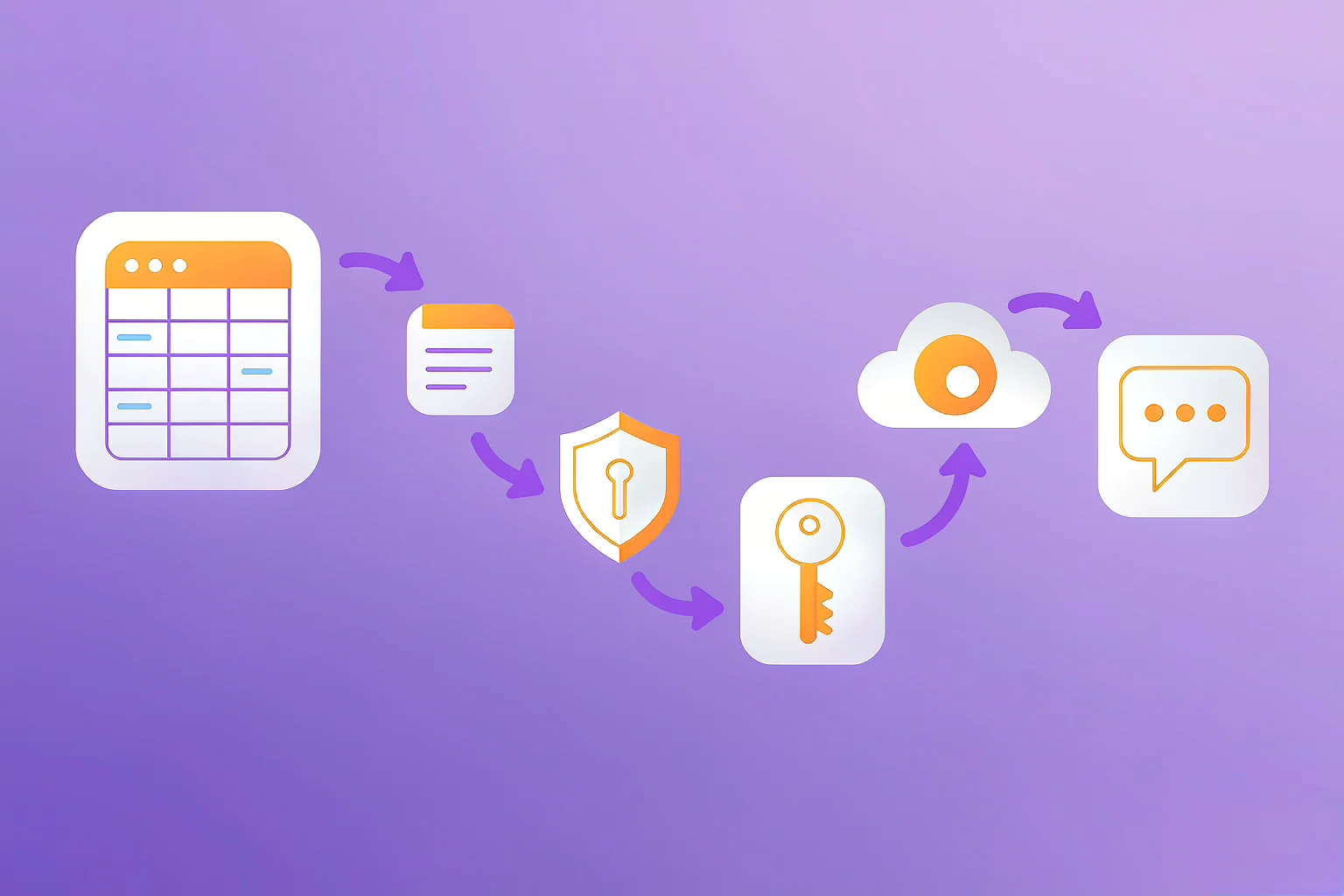
XML(可扩展标记语言)是一种用标签描述层级数据的格式,被大量企业系统、配置文件与数据接口采用。相比 CSV 的"扁平表格",XML 能表达父子嵌套关系,例如一条订单下挂多个商品。
XML (eXtensible Markup Language) describes hierarchical data with tags. Many enterprise systems, config files and data interfaces use it. Unlike flat CSV, XML expresses parent-child nesting — e.g. one order with multiple items.
为什么转 XMLWhy Convert to XML
- 对接老系统或政府/金融接口,它们常只接受 XML。
- 需要保留层级结构(主从关系),CSV 表达不了。
- 用 XML Schema(XSD)做数据校验,比 CSV 更严格。
- Legacy systems or government/finance interfaces often accept XML only.
- You need to keep hierarchy (master-detail); CSV can't express it.
- XML Schema (XSD) validation is stricter than CSV.
两种建模方式Two Modeling Styles
1. 子元素(推荐,易读)1. Child elements (recommended, readable)
<row><name>张三</name><city>北京</city></row>
2. 属性2. Attributes
<row name="张三" city="北京" />
子元素更利于后续扩展与读取,属性更紧凑。多数转换工具默认用子元素。
Child elements scale and read better; attributes are more compact. Most converters default to child elements.
根节点与行元素命名Root & Row Naming
一份典型的 CSV→XML 结果:
A typical CSV→XML result:
<?xml version="1.0" encoding="UTF-8"?>
<records>
  <record><name>张三</name><city>北京</city></record>
  <record><name>李四</name><city>上海</city></record>
</records>
转换时通常可自定义:根节点名(如 records)、每行节点名(如 record),以及是否把表头作为标签名。
On conversion you can usually set: the root name (e.g. records), the row node name (e.g. record), and whether headers become tag names.
在线转换的步骤Steps to Convert Online
- 打开 365Lab CSV 工具箱 的转换功能,拖入 CSV。
- 选择目标格式为「XML」。
- 设置根节点与行节点名称,选择子元素或属性模式。
- 确认编码为 UTF-8(含 XML 声明
<?xml ...?>),点击转换并下载。
- Open the 365Lab CSV Toolkit converter and drop in your CSV.
- Pick "XML" as the target format.
- Set root and row node names; choose child-element or attribute mode.
- Confirm UTF-8 (with the
<?xml ...?>declaration) and download.
命名空间与编码Namespaces & Encoding
- UTF-8 声明:XML 头部应写明
encoding="UTF-8",否则中文可能乱码(见 CSV 乱码修复)。 - 命名空间:对接 SOAP / 行业接口时可能需要
xmlns,提前确认目标系统要求。 - 特殊字符:
< > &必须转义为实体,转换工具会自动处理。
- UTF-8 declaration: the XML header should state
encoding="UTF-8", or Chinese may garble (see garbled-text fix). - Namespaces: SOAP/industry interfaces may need
xmlns— confirm requirements first. - Special chars:
< > &must be escaped to entities; the converter handles this.
想马上试试?打开在线工具,拖入 CSV 即可生成 XML,全程本地处理、不上传服务器。
Want to try now? Open the toolkit, drop in your CSV to build XML — everything runs locally.